
This document is a user manual for Philips audio player SA series, including product registration, initial use, music, picture and text transfer, video playback, radio, recording, and other functions.
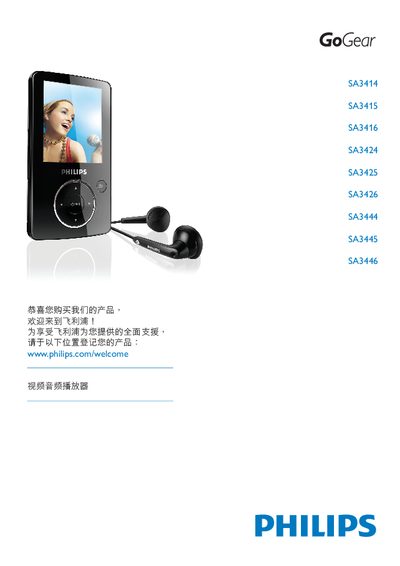
This manual introduces the Philips SA3414‑SA3446 series audio/video players and explains how to register the product for full support at www.philips.com/welcome. It provides an overview of the device’s controls, connections, and included accessories such as the USB cable and software CD.
The guide details important safety precautions, operating temperature limits, battery handling, and step‑by‑step instructions for using music, image, video, radio, and recording functions. It also covers firmware updates, settings, equalizer customization, and a FAQ section for common issues. This manual is written in Chinese.
| Operating Temperature | 0 °C to 35 °C (32 °F to 95 °F) |
|---|---|
| Storage Temperature | -20 °C to 45 °C (‑4 °F to 113 °F) |
| Battery Life at Low Temperature | May shorten in low‑temperature conditions |
Visit www.philips.com/register and follow the instructions to register your product, which enables free firmware upgrades and support notifications.
Go to www.philips.com/support to download the full user manual, software updates, and FAQs.
Select the firmware update option in the Settings menu and follow the steps to manually verify the current version.