
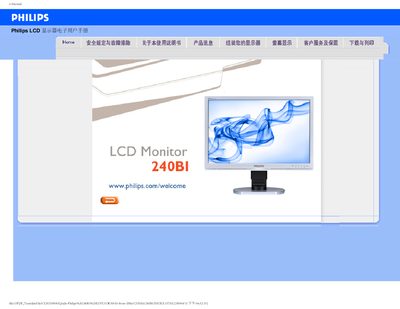
This manual covers safety precautions, proper handling, cleaning, and mounting of the Philips 240BI LCD monitor. It also explains how to adjust resolution, refresh rate, and color settings using the on‑screen display menu.
Additional sections provide common troubleshooting solutions, FAQ for typical issues, and instructions for downloading and installing driver files. The document is intended for end‑users and service technicians who need to set up or maintain the monitor. This manual is written in Chinese.
| Recommended resolution | 1920 x 1200 @60Hz |
|---|---|
| Recommended refresh rate | 60 Hz (up to 75 Hz for interference testing) |
| Operating temperature | 0 °C to 40 °C |
| Operating humidity | 20 % to 80 % RH |
| VESA mounting | Standard VESA mounting holes on rear panel |
Use a clean, soft cloth; for detailed cleaning, use isopropyl alcohol. Do not use ordinary alcohol, ethanol, acetone, or other solvents.
Yes, the monitor can be wall‑mounted using the standard VESA mounting holes on the rear panel.
The recommended refresh rate is 60 Hz; you may increase it to 75 Hz to check for interference.