
This document provides safety measures and troubleshooting information for Philips LCD Monitor. It offers operation and maintenance advice for using the LCD monitor.
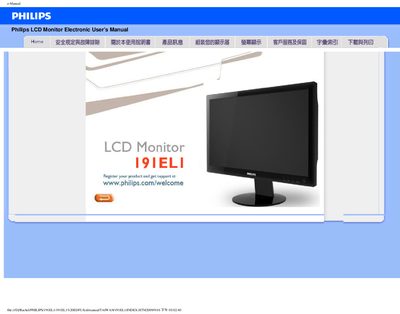
This electronic user's manual for the Philips 191EL1 LCD Monitor provides safety information for connecting and using the display, including precautions about ventilation, heat sources, power cords, and cleaning. It also lists the recommended operating temperature and humidity ranges.
The manual includes frequently asked questions on video modes, refresh rate, resolution adjustment, reset and Auto functions, power and interlaced signal issues, LCD surface care, color settings, VESA wall mounting, radiation, and compatibility with Windows operating systems.
| Screen size | 18.5"W |
|---|---|
| Recommended video mode | 1366 x 768@ 60Hz |
| Surface hardness | 2H pencil |
| VESA wall mount | Four standard VESA holes |
The recommended video mode is 1366 x 768 at 60 Hz.
Yes, Philips Brilliance LCD monitors have four standard VESA wall mount holes for mounting on most VESA standard accessories.
Yes, the monitors are compatible with the Plug and Play function of Windows 95, 98, 2000, XP and Vista.