
GoGear Vibe User Manual, introduces how to use GoGear Vibe to play music, audiobooks, videos, pictures, listen to FM radio, record audio, etc.
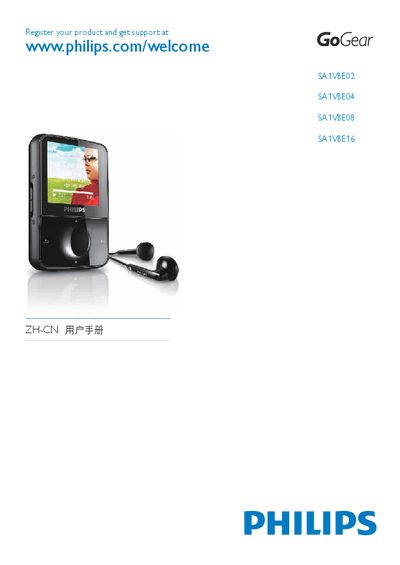
This user manual guides you through the basic functions of the Philips GoGear Vibe portable media player, including how to connect, charge, and manage music, video, pictures, FM radio, and recordings. It also covers software installation, file transfer using Windows Media Player, and the device’s safety and maintenance recommendations.
Additional sections detail volume limiting, battery status, automatic standby, and how to safely disconnect the player from a computer. Technical specifications such as battery capacity, playback time, supported file formats, and storage options for each model are listed for quick reference. This manual is written in Chinese.
| Battery capacity | 290 mAh lithium‑polymer |
|---|---|
| Music playback time | 25 hours |
| Output power | 2 × 3 mW |
| Sound channel isolation | 45 dB |
| Frequency response | 80 Hz – 18 kHz |
| Signal‑to‑noise ratio | > 84 dB |
| Storage capacity – SA1VBE02 | 2 GB NAND flash |
| Storage capacity – SA1VBE04 | 4 GB NAND flash |
| Storage capacity – SA1VBE08 | 8 GB NAND flash |
| Storage capacity – SA1VBE16 | 16 GB NAND flash |
Open Settings > Sound Settings > Volume limit and adjust the volume control; the device will not exceed the set level.
The built‑in battery provides up to 25 hours of music playback.