
This document is a user manual for Philips monitors, including safety precautions, installation setup, product information, technical specifications, customer care and warranty, and troubleshooting.
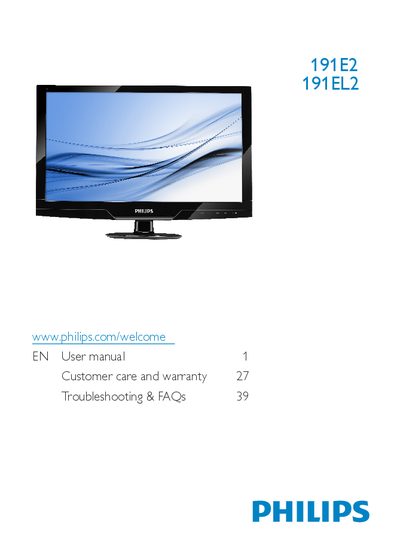
This manual explains safety precautions, proper handling, and disposal of the Philips 191E2/191EL2 LCD monitor. It covers installation steps, base removal, connector wiring, and recommended operating conditions such as temperature and humidity.
The guide also details the monitor’s on‑screen display (OSD) features, SmartImage Lite, SmartContrast, connectivity options, and technical specifications. A comprehensive FAQ section addresses common issues like resolution settings, image burn‑in, cleaning, and driver installation.
| Panel size | 18.5" (47 cm) |
|---|---|
| Aspect ratio | 16:9 |
| Resolution (native) | 1366×768 @ 60 Hz |
| Brightness | 250 cd/m² |
| Contrast ratio (typ.) | 1000:1 |
| Response time (typ.) | 5 ms |
| Viewing angle | 176° H / 170° V |
| Backlight type | CCFL (191E2) / LED (191EL2) |
| Panel type | TFT‑LCD |
| Pixel pitch | 0.300 mm × 0.300 mm |
| Color depth | 16.7 M colors |
| Refresh rate range | 56 Hz – 76 Hz |
| Horizontal frequency range | 30 kHz – 80 kHz |
| Stand tilt range | -3° to +12° |
Set the monitor to its recommended resolution of 1366 × 768 @ 60 Hz (or 75 Hz if needed), then reconnect the PC and restart.
Use a clean, soft cloth; for deeper cleaning use isopropyl alcohol, avoiding solvents such as acetone or ethyl alcohol.
Static images displayed for long periods can cause burn‑in; use a moving screen saver or periodic screen refresh to avoid it.