
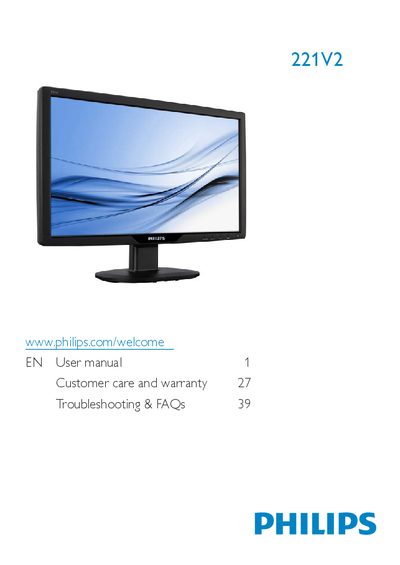
This manual covers the Philips 221V2 LCD monitor, describing safety precautions, installation steps, and how to use the on‑screen display (OSD) features. It also includes product information, technical specifications, regulatory details, and warranty guidance.
Key sections include safety and disposal instructions, step‑by‑step installation, OSD menu navigation, VESA mounting, troubleshooting FAQs, and contact information for service and warranty support.
| Operating temperature | 0 °C – 40 °C (32 °F – 95 °F) |
|---|---|
| Operating humidity | 20 % – 80 % RH |
| VESA mounting interface | 100 mm × 100 mm |
| Audio input | PC Audio (selected models) |
| Power input | AC mains |
Activate a moving screen‑saver program and a periodic screen‑refresh application when the monitor displays static content.