
This quick start guide introduces some of the features of the Philips AJ260 clock radio. For more information, please refer to the instruction booklet.
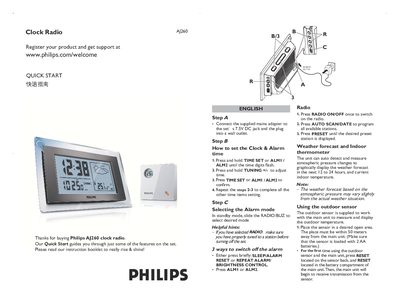
This Quick Start Guide introduces the basic operation of the Philips AJ260 clock radio. It covers connecting the mains adapter, setting the clock and alarm, selecting alarm modes, and using the built‑in radio.
The guide also explains how the unit displays indoor temperature and weather forecasts, and how to install and update the optional outdoor temperature sensor.
| Power supply voltage | 7.5 V DC |
|---|---|
| Battery type for outdoor sensor | 2 AA batteries |
| Maximum sensor distance | 50 meters |
Press and hold the TIME SET or ALM1/ALM2 key until the digits flash, adjust with TUNING +/- and press TIME SET or ALM1/ALM2 again to confirm.
Press and hold the AUTO SCAN/DATE button for about 5 seconds to refresh the outdoor sensor temperature.