
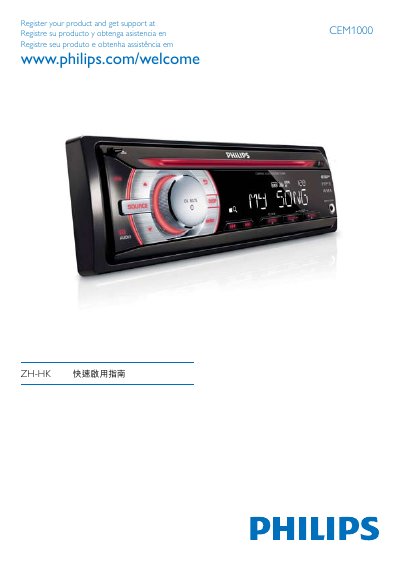
This guide provides step-by-step instructions for installing and connecting the Philips CEM1000 device. It includes wiring diagrams for audio and antenna connections, as well as setup procedures for selecting regions and configuring audio sources. The guide is available in multiple languages including Chinese, Spanish, and Portuguese.
The guide also explains how to mount the front panel, connect external speakers, and adjust settings using the control knobs. It includes safety warnings and notes on proper installation to ensure correct operation. This manual is written in Chinese.
The model number is CEM1000.
Users can register and get support at www.philips.com/welcome.
The available regions are [USA], [Latin], [Europe], [ASIA], [Id-East], and [Russia].