
This is a quick start guide for the DC290 Docking Entertainment System by Koninklijke Philips Electronics N.V. The document provides information on the items included in the packaging, how to connect and install the system, and how to enjoy music and set alarms.
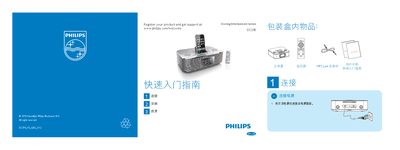
The guide provides step‑by‑step instructions for connecting the DC290 to AC power, attaching the MP3 link cable, and inserting an iPod or iPhone into the dock. It also explains how to navigate the remote control to select sources, adjust volume, and browse radio stations.
Additional sections describe how to set the clock in 12/24‑hour format, configure one or two alarms with repeat options, and use the device to play music from iPod/iPhone, FM tuner or built‑in buzzer. Tips for creating a "PHILIPS" playlist on iTunes are also included. This manual is written in Chinese.
| Power Input | AC mains |
|---|