
SA028 user manual, introduce the operation methods of the product, including connecting to the computer, managing music, listening to FM radio, recording and so on
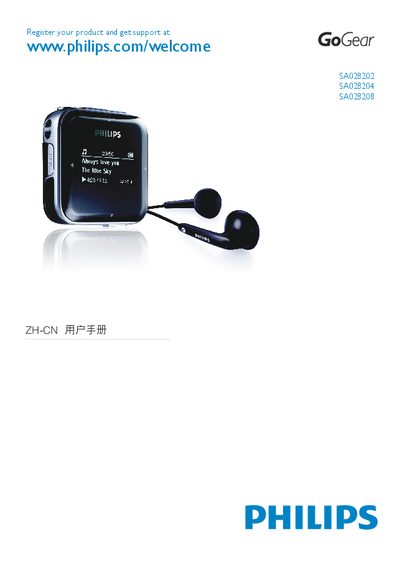
This manual covers everything you need to know about the Philips SA028 GoGear audio player, including safety information, system requirements, and an overview of the device’s controls and interfaces. It guides you through initial setup, connecting the player to a computer, charging, and using features such as music playback, FM radio, and audio recording.
Later sections explain how to update the firmware, troubleshoot common issues, and provide detailed technical data such as battery capacity, audio format support, and display specifications. The document also includes information on proper disposal and recycling of the device. This manual is written in Chinese.
| Battery capacity | 270 mAh lithium‑polymer rechargeable |
|---|---|
| Playback time | up to 20 hours |
| Display | OLED, 128 × 64 pixels, white backlight |
| Audio output power | 10 mW |
| Signal‑to‑noise ratio | > 80 dB |
| Frequency response | 40 – 18 000 Hz |
| Internal storage | 2 GB NAND flash (approx. 1 GB usable) |
| USB interface | USB 2.0 High‑speed |
| 3.5 mm headphone jack | Yes |
Insert a pen tip or similar object into the reset hole on the bottom of the SA028 and hold until the player turns off.