
Philips GoGear MP3 Player User Manual, introduces how to connect and charge, install software, listen to music, listen to FM radio, etc.
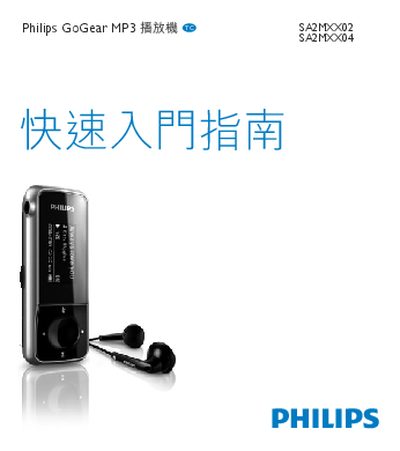
This guide introduces the Philips GoGear MP3 player (models SA2MXX02 and SA2MXX04) and explains how to connect the device to a computer. It provides the steps needed to install the Philips Device Manager and the GoGear Mix software, which enable file transfer and playback control.
The manual also lists supported Windows versions, describes how to use the GoGear Mix interface, and includes troubleshooting tips such as error‑message explanations and a reference to the Philips website for further assistance.
Run the installation program and follow the prompts; the guide shows the step as “1 38/5 Install Philips Device Manager.”
Visit the Philips website at www.philips.com/welcome for additional resources.