
This document provides instructions and precautions for installing a Philips car stereo. The installation process includes grounding, avoiding short circuits, proper connection of power and speaker wires, connecting a GPS antenna, and installing the stereo in the dashboard. It also covers powering on, setting the date and clock mode, and using the map function.
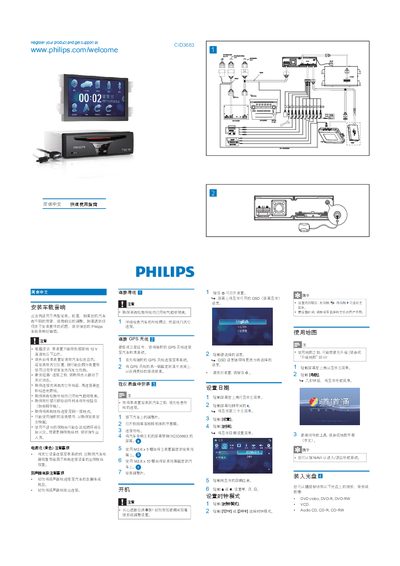
This guide provides step‑by‑step instructions for installing the Philips CID3683 car audio unit in a vehicle dashboard, connecting power and speaker wires, and attaching the optional GPS antenna. Safety notes emphasize proper grounding, use of the supplied hardware, and avoiding short circuits.
It also explains how to power on the device, set the date and time, use the navigation map, play CDs/DVDs, connect USB media, pair up to eight Bluetooth devices, make phone calls, and adjust volume and equalizer settings. This manual is written in Chinese.
| Operating voltage | 12 V DC |
|---|---|
| Maximum paired Bluetooth devices | 8 devices |
| Bass/Mid/High EQ range | -14 to +14 |
| Low‑pass filter frequencies | 60 Hz, 80 Hz, 100 Hz, 200 Hz |
Press the VOL +/- buttons on the steering wheel or rotate the volume knob on the car audio unit; you can also mute by touching the screen.
The unit supports DVD video, DVD‑R, DVD‑RW, VCD, Audio CD, CD‑R and CD‑RW.