
This document is a quick start guide for the Philips Digital Audio Player SA5000, which explains how to connect, install, and use the player. It provides information on customer care helpline and support center website for different countries. It also includes instructions on computer requirements and other necessary equipment.
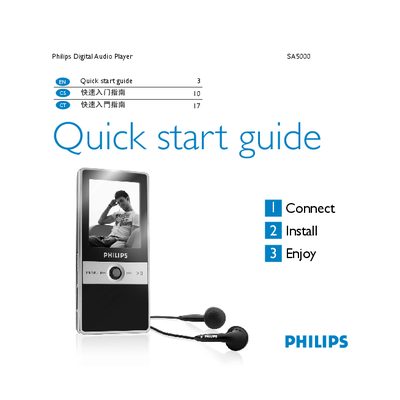
The guide explains how to connect the SA5000 to a computer using the supplied mini‑USB cable, install the Philips Firmware Manager from the included CD, and charge the battery (full charge in 5 hours, 80 % after 3 hours). It also describes transferring music, video, and image files via Windows Explorer.
Navigation of the player is performed with a four‑direction key and dedicated buttons for power, play/pause, volume, and menu access. The manual lists supported media formats, provides basic playback controls, and includes troubleshooting steps such as resetting the device by holding the play/pause button for about 10 seconds. This manual is written in Chinese.
| Battery full charge time | 5 hours |
|---|---|
| Battery 80 % charge time | 3 hours |
| Supported video formats | .mov, .avi (M‑JPEG) |
| Video resolution | QVGA (320 × 240 px) |
| Video frame rate | 10 fps |
| Maximum video length | 10 minutes |
| Audio format | Linear PCM, single channel, 11.025 kHz, 16‑bit |
Connect the USB cable and the battery will start charging automatically; a full charge requires about 5 hours.
Press and hold the play/pause button for roughly 10 seconds to reset the device.
Connect the player to a computer via USB, open Windows Explorer, and drag the desired files into the player’s appropriate folder.