
This is a multimedia player that supports music, video, pictures, radio, and recording.
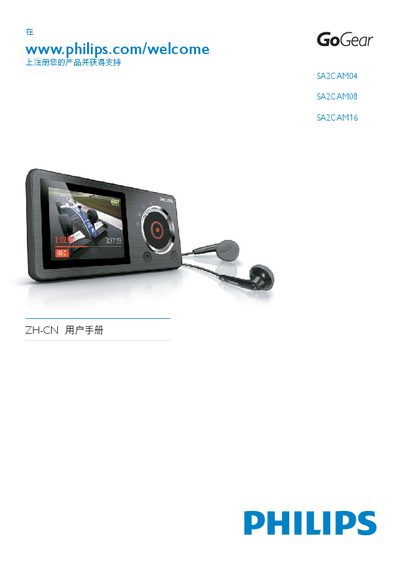
This manual covers everything you need to get started with your Philips SA2CAM portable media player, including safety information, unpacking, controls, and connection options. It explains how to install and use Philips Songbird software, manage music, video, photos, FM radio, and recordings, and how to update firmware.
Additional sections detail battery charging, volume limiting, lock functions, technical specifications, system requirements, and proper recycling of the device. The guide also provides troubleshooting tips and a glossary of terms used throughout the manual. This manual is written in Chinese.
| Battery | 850 mAh lithium‑polymer internal rechargeable |
|---|---|
| Music Playback Time | 12 hours |
| Video Recording Time | 2 hours |
| Headphone Jack | 3.5 mm |
| USB Interface | USB 2.0 high‑speed |
| Sound Channel Isolation | 40 dB |
| Frequency Response | 45 Hz – 16 kHz |
| Output Power | 2 × 2.4 mW |
| Signal‑to‑Noise Ratio | > 80 dB |
| Supported Video Formats | MPEG‑4 SP (*.avi, *.mp4) |
| Supported Image Formats | JPEG, BMP |
| External Memory Card | Micro SD up to 32 GB |