
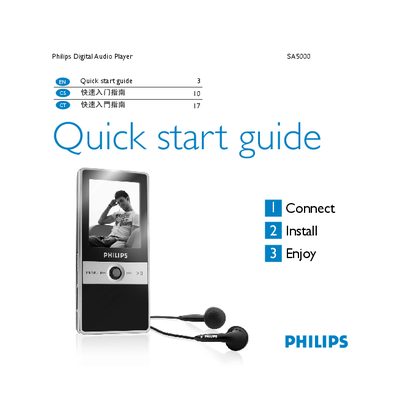
Philips Digital Audio Player SA5000 Quick start guide, which introduces the methods of connecting, installing, and enjoying the audio player.
The guide introduces the SA5000 package, showing the in‑ear headphones, line‑in cable, USB cable, CD‑ROM with software and the quick start guide itself. It explains how to connect the player to a computer with the supplied mini‑USB cable, how the battery charges automatically (full charge in 5 hours, 80 % in 3 hours), and how to install the Philips Firmware Manager from the included CD.
Navigation is performed with the central Navigator key: left/right moves through menus, up/down scrolls lists, and a press confirms a selection. The guide also lists supported video formats (.mov, M‑JPEG .avi, QVGA 320×240, up to 10 min) and audio PCM settings (mono, 16‑bit, 1.025 kHz). Support contact information and warranty notes are provided at the end.
| Full charge time | 5 hours |
|---|---|
| 80 % charge time | 3 hours |
| Supported video resolution | QVGA (320×240 pixels) |
| Maximum video length | 10 minutes |
| Supported video file types | .mov, .avi (M‑JPEG) |
| Audio channels | Mono |
| Audio sample size | 16 bit |
| Audio sample rate | 1.025 kHz |
| Video frame rate | 0 fps |
Plug the supplied mini‑USB (B type) end into the bottom of the player and the USB (A type) end into the computer.
The battery reaches a full charge after about 5 hours on the first charge and about 80 % after 3 hours.
It supports .mov and M‑JPEG .avi files at QVGA resolution, up to 10 minutes in length.
Use the Navigator key: left/right to move, up/down to scroll, and press to select an item.