
This quick start guide describes how to install, connect and use your Philips GoGear MP3 player.
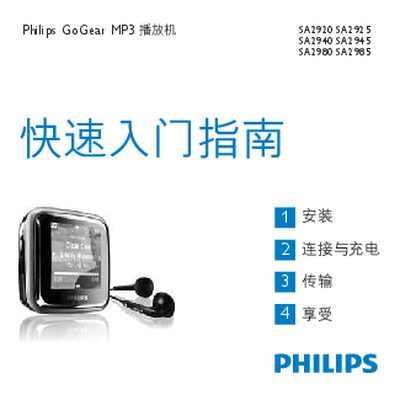
This manual provides a quick‑start guide and detailed instructions for setting up Philips GoGear MP3 players. It explains how to connect the supplied mini‑USB cable to the player and a computer, install the Philips Device Manager, and perform firmware updates.
The document also describes the player’s controls, menu navigation, battery‑level indicator, audio playback features, radio functions, recording mode, and common troubleshooting steps. System requirements for PC‑based updates are listed, including supported Windows versions and minimum hardware specifications.
| Minimum PC Processor | Pentium 800 MHz or higher |
|---|---|
| Minimum RAM | 128 MB |
| Minimum Hard Disk Space | 500 MB |
| USB Interface | Mini‑USB connector |
Connect the mini‑USB cable to the player and the PC, then select “Install Philips Device Manager” from the pop‑up window or via the computer’s context menu for the GoGear device.
Plug the supplied USB cable into the player’s mini‑USB port and connect the other end to a USB port on a computer or a compatible charger.
After installing Philips Device Manager and connecting the player to a PC, enable the automatic update feature; the player will search for and download the latest firmware from the Philips website.
The indicator displays the remaining charge of the built‑in rechargeable battery; a low‑battery warning appears when the level is low.