
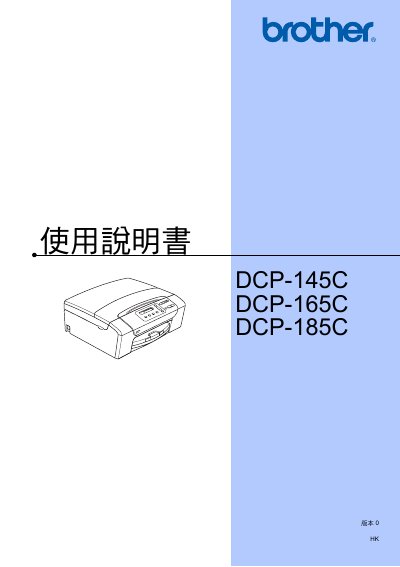
This manual provides general information, safety guidelines, and registration instructions for the Brother DCP‑145C, DCP‑165C, and DCP‑185C devices. It explains how to load paper, select media types, and configure basic settings such as the LCD display and language.
The document details copying functions, direct photo printing via PictBridge or PhotoCapture Center, scanning, and software usage. It also includes a troubleshooting section, maintenance procedures, and specifications for features like the warning LED indicator and the optional automatic document feeder (ADF) on the DCP‑185C model. This manual is written in Chinese.
| Warning LED indicator | Present |
|---|---|
| Automatic Document Feeder (ADF) | Supported on DCP‑185C only |
| PictBridge direct camera printing | Supported |
| PhotoCapture Center | Supported |
| USB flash‑drive printing | Supported |
Visit the Brother registration page at http://www.brother.com/registration/ and follow the instructions.
Only the DCP‑185C model includes an automatic document feeder (ADF).
Yes, you can use PictBridge or the PhotoCapture Center to print photos directly from a compatible camera.
Section B of the manual contains troubleshooting steps and daily maintenance procedures.