
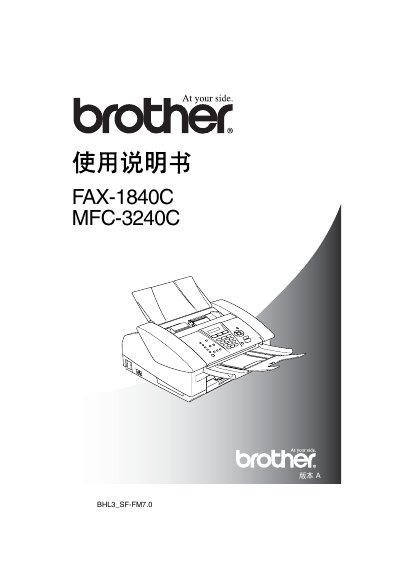
This manual covers the Brother FAX-1840C fax machine and the MFC-3240C multifunction printer, describing their features, safety requirements, installation steps, and daily operation. It includes detailed instructions for dialing, sending faxes, using the automatic document feeder, and configuring system settings.
Key sections include safety precautions, recommended installation environment, quick reference guides for common tasks, control‑panel overview, initial setup (date, time, line type), remote‑access password changes, and troubleshooting tips. The document also lists paper specifications and storage limits for numbers and names. This manual is written in Chinese.
| Operating temperature range | 10°C to 35°C |
|---|---|
| Maximum stored number length | 20 digits |
Unplug the telephone line and then disconnect the power cord before cleaning.
Up to 20 speed‑dial numbers can be stored.
The device should be used in an environment between 10 °C and 35 °C.