
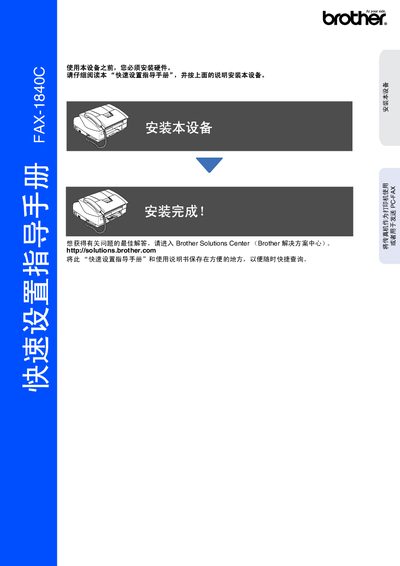
Brother FAX-1840C Fax Machine Quick Setup Guide


Brother FAX-1840C Fax Machine Quick Setup Guide - cover page
Brand
Brother
Category
Printer
Document type
Quick Start Guide
Language
Chinese
Pages
16
File format
PDF
File size
722 KB
Published
15 November, 2011
Updated
29 September, 2023
MD5 checksum
7A64D1F85443FBCC29ACEB11A2FFFBA0

About this manual

The Quick Setup Guide provides step‑by‑step instructions for installing the Brother FAX‑1840C fax machine, including removing protective tape, loading paper, connecting the telephone line and power, and installing the ink cartridge. It also covers basic configuration such as setting the date, time, machine ID, and receive mode, and explains how to use the fax as a printer or for PC‑FAX.

Key sections describe the control panel layout, how to replace consumables like the ink cartridge, and safety warnings. The guide is intended for users to get the device up and running quickly and safely. This manual is written in Chinese.

What's inside

  • Installation Overview
  • Control Panel Description
  • Loading Paper
  • Connecting Telephone and Power
  • Installing Ink Cartridge
  • Setting Date, Time, and Machine ID
  • Choosing Receive Mode
  • Using Fax as Printer
  • Safety Warnings

Specifications

ModelFAX-1840C
DisplayLCD
Download PDF (722 KB)

More Brother Manuals


View all Brother manuals →