
D-Link DIR-635 is a Gigabit wireless router that supports 802.11n wireless protocol, it can provide high speed and stable wireless network connection for home users.
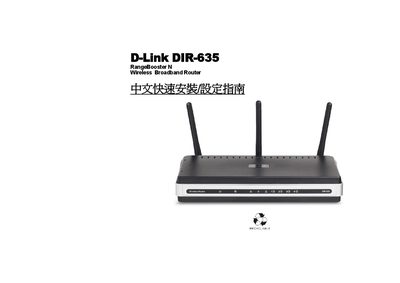
The manual walks you through connecting the DIR-635 router to an ADSL/Cable modem, configuring the WAN and LAN ports, and attaching USB devices. It also explains how to reset the unit and interpret the LED indicators.
Additional sections cover power requirements, supported wireless standards, and troubleshooting tips such as auto‑MDI/MDIX detection on the WAN port. This manual is written in Chinese.
| Wireless Standard | 802.11n |
|---|---|
| USB Version | USB 1.1 |
| Power Input | DC 5 V 3 A |
| WAN Port Auto‑MDI/MDIX | Supported |
| Ethernet Cable Type | Cat.5 |
Press the reset button as shown in the manual; the reset procedure is described under the Reset section.
The router includes a USB 1.1 port.
Yes, the WAN port automatically detects MDI or MDIX connections.