
This is a CASIO diving watch manual, which can set time, date, alarm, temperature, etc., and also has diving mode and search mode.
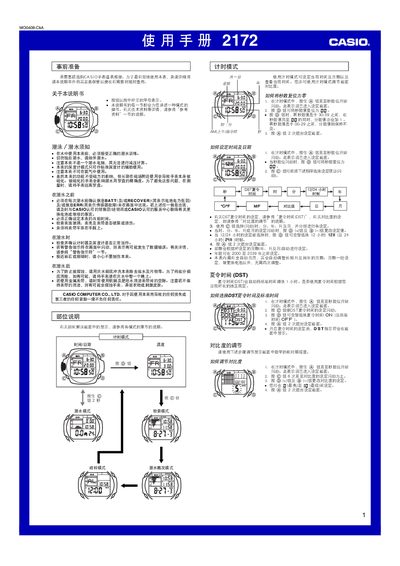
The Casio 2172 is a specialized watch equipped with a temperature sensor and diving capabilities. It allows users to track current time, date, and environmental temperature, while providing depth measurement and dive logging for aquatic activities.
The device includes a dedicated diving mode that automatically tracks depth and time when submerged beyond 1 meter, distinguishing between valid and invalid dives based on duration and depth. This manual is written in Chinese.
| Temperature Measurement Range | -10.0°C to 60.0°C (14.0°F to 140.0°F) |
|---|---|
| Calendar Range | 2000 to 2039 |
A valid dive is defined as continuously diving for at least 2 or 3 minutes, after which surface interval measurement begins and data is stored.
In timekeeping mode, hold the button until the seconds flash, navigate to the contrast setting, and use the adjustment buttons to set it between 1 (darkest) and 9 (lightest).