
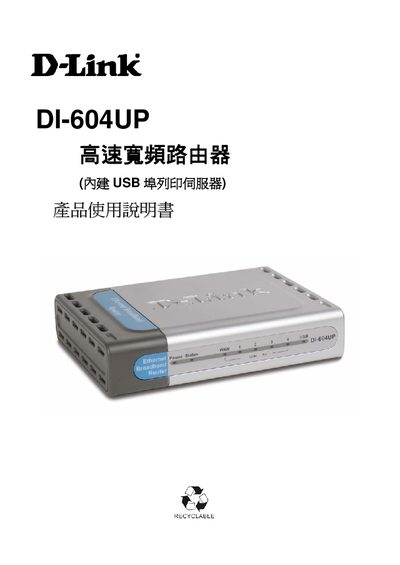
This manual covers the DI-604UP router’s hardware specifications, packaging contents, and safety precautions before installation. It guides users through hardware installation, web‑based configuration, and supported operating systems such as Windows 98/ME, 2000/XP, and various broadband connections.
Additional sections explain advanced features like UPnP, DDNS, NAT, VPN pass‑through, and provide troubleshooting steps, firmware upgrade procedures, and technical support contact information. This manual is written in Chinese.
| Ethernet ports | 4 x 10/100Mbps |
|---|---|
| WAN port | 1 x 10/100Mbps |
| Reset switch | 1 (factory reset) |
| VPN pass‑through | IPSec / PPTP |
| Maximum concurrent users | 4000 |
The router provides four 10/100Mbps Ethernet ports.
It uses a 100~120V 0.5A 50‑60Hz input power supply with a 5V 2A output.
Press the reset switch on the device to restore the original settings.