
This user guide covers the setup, operation, maintenance, troubleshooting, and specifications for the Zebra ZT400 Series industrial printer.
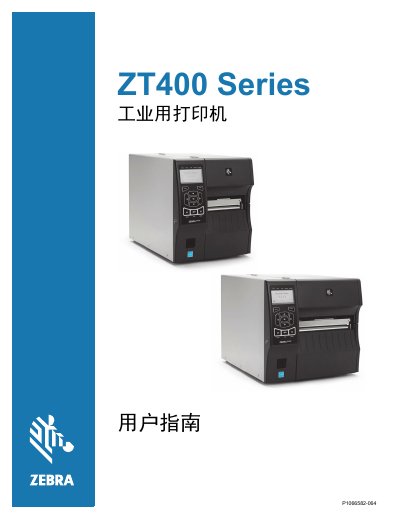
The document serves as a comprehensive manual for the Zebra ZT400 Series industrial printer. It details printer components, communication interfaces, and various optional accessories such as tear-off, peel-off, rewind, and cutter modules.
The guide provides step-by-step instructions for installation, including unpacking, selecting a location, loading media and ribbons, and connecting the device via USB, serial, parallel, Ethernet, or wireless networks. It also covers driver installation and Zebra Setup Utilities configuration. This manual is written in Chinese.
| Manufacturer | Zebra Technologies Corporation |
|---|---|
| Document Part Number | P1066582-064 |
Available accessories include tear-off, peel-off with backing pickup, rewind, and cutter modules.
The guide instructs users to select a proper location for the printer, implying specific environmental or physical placement requirements.