
S4M Industrial/Commercial Printer User Guide
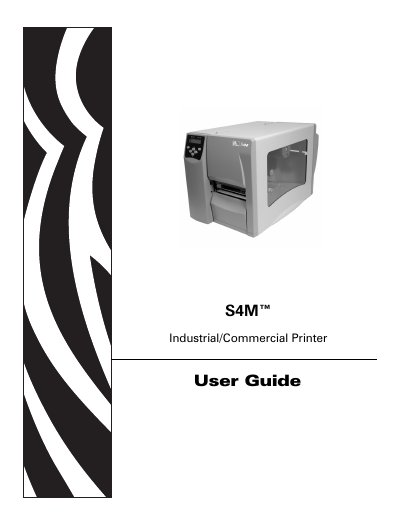
This manual explains how to install, configure, and operate the Zebra S4M industrial/commercial printer. It includes safety guidelines, hardware overview, and detailed instructions for loading media and ribbons.
The guide is organized into sections covering printer setup, daily operations, configuration options, routine maintenance, troubleshooting, and technical specifications, with appendices for ZPL II commands and proprietary statements.
| Part Number | 13290L-001 |
|---|
The part number for the S4M printer is 13290L-001.
The guide is intended for anyone who needs to operate or troubleshoot the printer.