
This document is a user guide for the S4M™ industrial/commercial printer, including the part number, copyright information, and details about the software and fonts included.
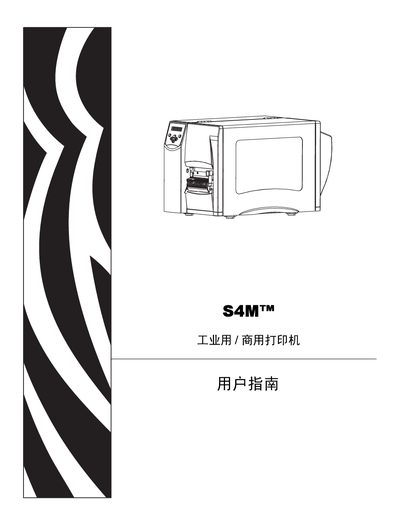
The Zebra S4M User Manual provides detailed instructions for installing, configuring, and operating the industrial/commercial printer. It includes sections on unpacking, selecting a suitable location, connecting power and data interfaces, loading media and ribbons, and adjusting printer settings.
Additional chapters cover daily maintenance tasks, troubleshooting procedures, and full technical specifications such as operating temperature, humidity range, and supported printer languages. The manual also contains a reference of ZPL II commands for advanced programming. This manual is written in Chinese.
| Operating temperature (thermal direct) | 0° to 40°C (32° to 104°F) |
|---|---|
| Relative humidity range | 20% to 85% (non‑condensing) |