
StoreJet 35 Ultra User Manual, introduces the features and characteristics of the product, including compatibility, system requirements, safety precautions, product overview, hard disk installation, connecting StoreJet 35 Ultra to computer, safely removing StoreJet 35 Ultra, formatting hard disk, troubleshooting, product specifications, ordering information, warranty terms, etc.
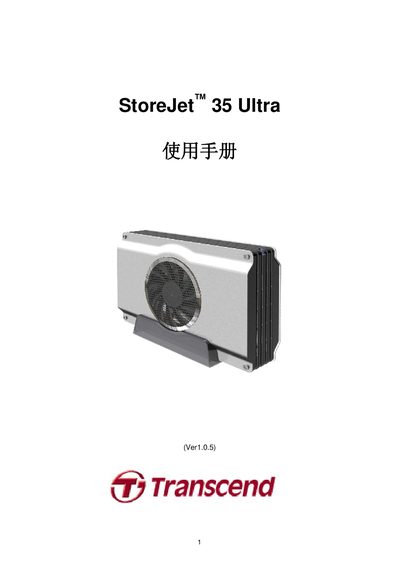
This manual introduces the StoreJet 35 Ultra external hard‑drive enclosure, its dual eSATA/USB 2.0 interfaces, and the included accessories such as power adapter, USB and eSATA cables. It outlines system requirements, safety precautions, and basic operation steps.
Detailed sections cover installing a 3.5‑inch SATA drive, connecting the unit to Windows, macOS, or Linux computers via USB or eSATA, formatting the drive, and troubleshooting common issues. Warranty and ordering information are also provided. This manual is written in Chinese.
| Dimensions (L × W × H) | 197.50 mm × 127.50 mm × 48.00 mm |
|---|---|
| Weight | 340 g (without hard drive) |
| Supported storage media | 3.5‑inch SATA hard drive (user‑supplied) |
| AC power input | 100 V‑240 V |
| DC power output | 12 V |
| Maximum eSATA transfer rate | 3.0 Gbit/s |
| Maximum USB 2.0 transfer rate | 480 Mbit/s |
| Operating temperature | 5 °C to 55 °C |
| Safety certifications | CE, FCC Class B, BSMI |
| Warranty period | 2 years |
You can connect the unit using either the USB 2.0 cable or the eSATA cable; plug the appropriate cable into the StoreJet and the computer, then power on the device.
The eSATA interface supports up to 3.0 Gbit/s transfer speed.