
Thecus N7700 Thecus N7700PRO Thecus N7700+ User Manual is a manual that introduces the features and characteristics of Thecus N7700 / N7700PRO / N7700+ products.
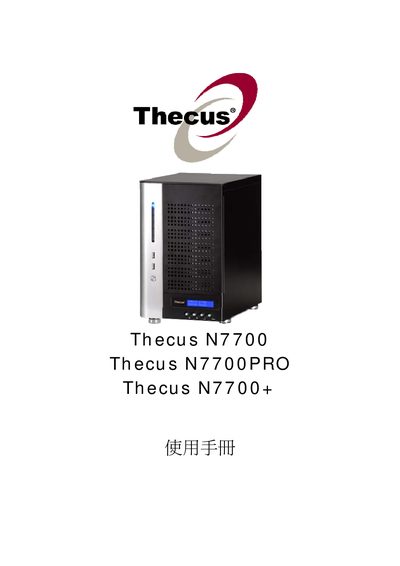
Thecus N7700, N7700PRO and N7700+ are network‑attached storage appliances designed for small‑business and home use. The manual describes hardware specifications, power requirements (AC 100V ~ 240V, 50/60 Hz, 3 A) and operating conditions (0 °C – 40 °C, 20 % – 85 % humidity).
It guides users through configuring the system, including creating and managing RAID arrays, setting up network services such as LAN, DHCP, Samba/CIFS, AFP, NFS, iSCSI, and Media Server, as well as advanced features like Active Directory integration, Dynamic DNS, and snapshot management.
| Power Input | AC 100V ~ 240V, 50/60 Hz, 3 A |
|---|---|
| Operating Temperature | 0 °C to 40 °C |
| Operating Humidity | 20 % to 85 % RH |
Use the RAID Information section and select "Create a RAID" to define the RAID level and disks.
Go to the iSCSI configuration pages and choose "Allocating Space for iSCSI Volume" followed by "Modify iSCSI Volume" as needed.
The device supports LAN, DHCP, Samba/CIFS, AFP, NFS, iSCSI, Media Server, and Dynamic DNS.
Use the "Snapshot" section to configure snapshot settings and schedule.