
This document is the user manual for Thecus N2200 hybrid NAS, which includes the features and characteristics of the product, such as file server, FTP server, iTunes server, media server, backup server, and printer server.
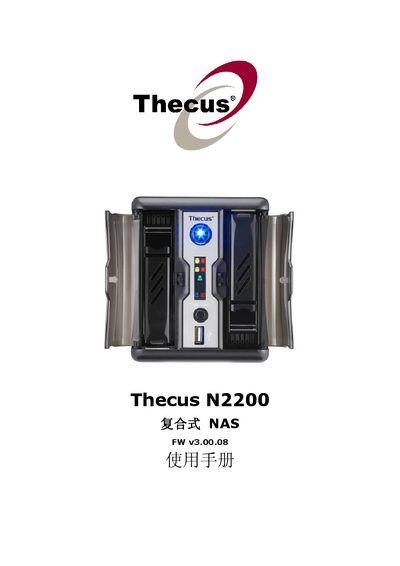
This manual covers the system information, network configuration, user and group authentication, and service settings for the Thecus N2200 network attached storage device. It includes detailed steps for configuring RAID levels, creating and managing shared folders, and enabling media services such as Samba, NFS, and DLNA.
Additional sections describe firmware licensing, source code availability, and troubleshooting tips. The document also contains appendices with hardware specifications, software specifications, and licensing information.
| Power Input | 100V ~ 240V, 50/60 Hz, 5 A |
|---|---|
| Network Interface | Gigabit Ethernet #2 |
Select the “Create a RAID” option under the RAID Information section.
Use the “LAN Configuration” menu under System Network to set IP address, subnet mask, and gateway.
Choose “Designating N2200 as an Nsync Target” in the Nsync setup section.