
This user guide covers the installation, configuration, and management of the Tenda PW201A Wireless N Powerline Access Point.
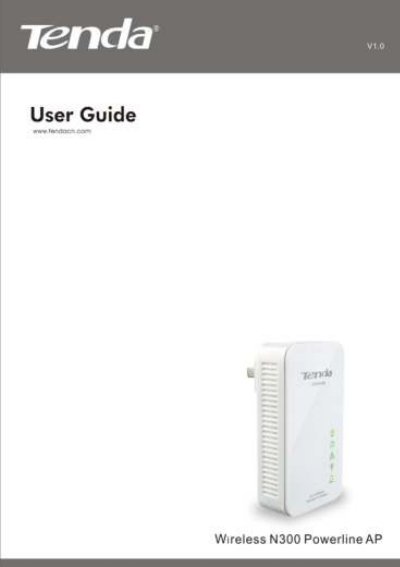
The Tenda PW201A is a Wireless N Powerline Access Point that utilizes existing electrical wiring to provide network connectivity. It combines wired, wireless, and Powerline communication features to eliminate dead spots in homes, offering up to 200Mbps of Powerline speed and 300Mbps of Wireless N speed.
| Powerline transmission rate | Up to 200Mbps |
|---|---|
| Wireless transmission rate | Up to 300Mbps |
| Powerline transmission distance | Up to 300 meters |
| PLC Security Encryption | 128-bit AES encryption |
Press and hold the WPS/RST button for 6-10 seconds to reset the Device.
Press and hold the Pair button for 1-3 seconds to pair with other PLC devices.