
This document is a user guide for PW201A Wireless N Powerline AP, describing the features and characteristics of the product.
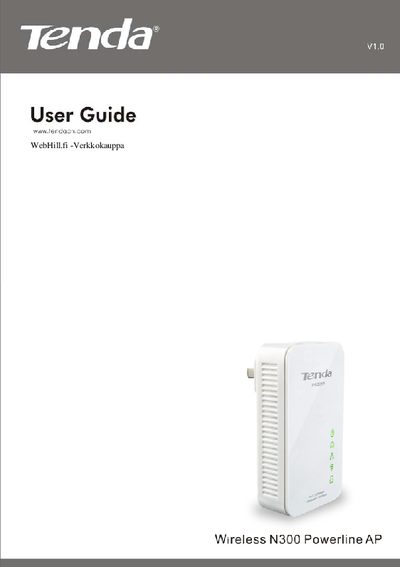
The Tenda PW201A is a wireless access point that utilizes existing electrical wiring to extend network coverage. It combines HomePlug AV powerline technology with 802.11n Wi-Fi capabilities, offering data transmission speeds of up to 200 Mbps over the power line and 300 Mbps wirelessly.
| Powerline transmission rate | Up to 200Mbps |
|---|---|
| Wireless transmission rate | Up to 300Mbps |
| Powerline transmission distance | Up to 300 meters |
| Security Encryption (PLC) | 128-bit AES encryption |
Press the WPS/RST button for 6-10 seconds to reset the Device.
The default network name is HomePlugAV.