
Key facts
- Brand
- SATO
- Model
- WS208
- Category
- Industrial Robot
- Documents
- 2
- Languages
- EN
- Last added
- 2023-11-06
Start here
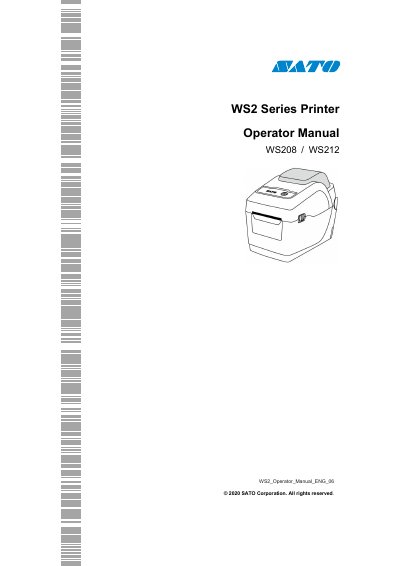
SATO WS208/WS212 Series Printer Operator Manual
This manual provides instructions for the SATO WS2 Series industrial barcode printers, specifically models WS208 and WS212. It guides users through unpacking, understanding printer features, and getting started with power and media loading. The document includes detailed sections on printer operation, including calibration, self-tests, and communication interfaces.
Read onlineSATO WS208 specifications
| Print method | Direct Thermal |
|---|---|
| Resolution | 203 dpi (8 dots/mm) / 300 dpi (12 dots/mm) |
| Print Speed | 2, 3, 4, 5, 6, 7 inches/sec |
| Printable Area Max. length | 100" (2540mm) / 50" (1270mm) |
| Operating Temperature | 41℉~104℉ (5 ° C ~ 40 ° C) |
| Power Supply Voltage | AC 100 V ~ 240 V ± 10 % |
| Standard Memory (Flash ROM) | 16 MB |
| Standard Memory (SDRAM) | 32 MB |
All SATO WS208 documents by type
Day-to-day operation, settings and troubleshooting. Start here if the product is already set up.
Questions answered in these manuals
What is the maximum printable length for the WS208?
The maximum printable length for the WS208 is 100 inches (2540mm).
What are the supported media types?
Supported media types include Direct Thermal Label, Direct Thermal Tag, Roll Paper, and Fanfold Paper.
What is included in the package?
The package includes the SATO WS2 printer, user documents (Quick Guide, Warranty, etc.), power supply, and AC power cord.
From: SATO WS2 Series (WS208 / WS212) Printer Operator Manual
What does a solid green LED1 and LED2 indicate?
The printer is ready to print.
From: SATO WS2 Series (WS208 / WS212) Printer Operator Manual