
Key facts
- Brand
- Saitek
- Model
- X52 Pro
- Documents
- 2
- Languages
- EN
- Last added
- 2023-10-16
Start here
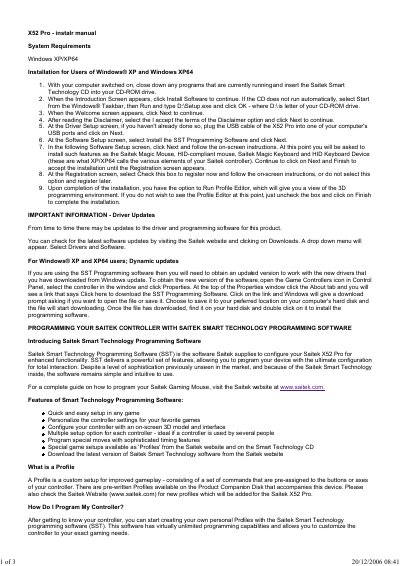
Saitek X52 Pro Flight Controller Installation and Programming Guide
This manual provides installation instructions for the Saitek X52 Pro flight controller on Windows XP systems. It details how to install the SST Programming Software from the included CD-ROM drive, covering steps such as accepting the disclaimer, connecting the USB cable, and completing the software setup.
The guide also explains how to use the Saitek Smart Technology (SST) Programming Software to customize the controller. Users can create profiles for specific games by assigning keyboard commands to buttons and axes using the Profile Editor.
All Saitek X52 Pro documents by type
Day-to-day operation, settings and troubleshooting. Start here if the product is already set up.
Questions answered in these manuals
What are the system requirements for installing the X52 Pro?
The manual specifies that the software is designed for users of Windows XP and Windows XP64.
From: Saitek X52 Pro Flight Controller Installation and Programming Guide
How do I update the drivers for my controller?
You can check for updates by visiting the Saitek website, selecting Drivers and Software from the dropdown menu.
From: Saitek X52 Pro Flight Controller Installation and Programming Guide
What are the system requirements for this manual?
The document specifies that the software is designed for Windows XP and Windows XP64.
How do I check for driver updates?
You can visit the Saitek website, select Drivers and Software from the dropdown menu to find the latest versions.