
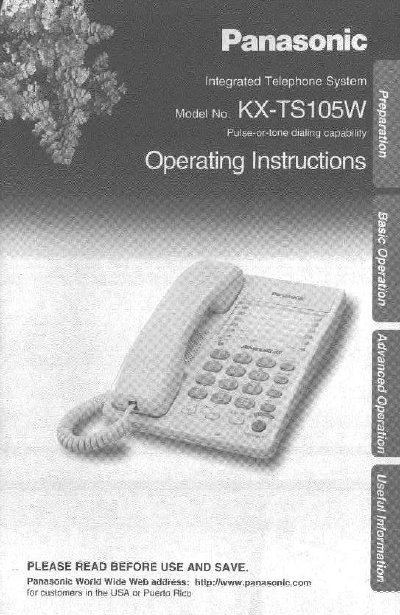
Panasonic KX-TS105W Integrated Telephone System Operating Instructions


Panasonic KX-TS105W Integrated Telephone System Operating Instructions - cover page
Brand
Panasonic
Category
Telephone
Document type
User Manual
Language
English
Pages
32
File format
PDF
File size
960 KB
Published
06 August, 2012
Updated
06 August, 2012
MD5 checksum
4EAB086ED1E565DD45DA38EACD3528E0

About this manual

This document provides operating instructions for the Panasonic KX-TS105W Integrated Telephone System. It details the initial setup process, including installing batteries and connecting the handset and telephone line cord. The guide explains how to use the device for making and answering calls, utilizing features like speed dialing, one-touch dialing, and call waiting.

What's inside

  • Location of Controls
  • Installing the Batteries
  • Connecting the Handset/Telephone Line Cord
  • Connecting a Communication Device
  • Dialing Mode
  • Ringer Volume
  • Making Calls
  • Answering Calls
  • Speed Dialer
  • Call Restriction

Specifications

Battery TypeThree high quality 'AA' Alkaline or Manganese batteries
Handset CompatibilityUse only a Panasonic Handset
Factory Dialing ModeTone
Factory Ringer VolumeHIGH

Frequently asked questions

What batteries are required for the KX-TS105W?

The unit requires three high quality 'AA' Alkaline or Manganese batteries.

Can I connect a computer or modem to this telephone?

Yes, you can connect a communication device like a computer or modem through the DATA jack.

How do I change the dialing mode?

Press (PROGRAM), then press (MUTE), press (3), and select 'Pulse' or 'Tone' by pressing (2) or (1) respectively.

Download PDF (960 KB)

More Panasonic Manuals


View all Panasonic manuals →