
This document is about the RS-232 interface of OPPO BDP-80 and 83 Blu-ray Disc Player, it introduces the pin configuration, communication settings and command structure of the RS-232 interface.
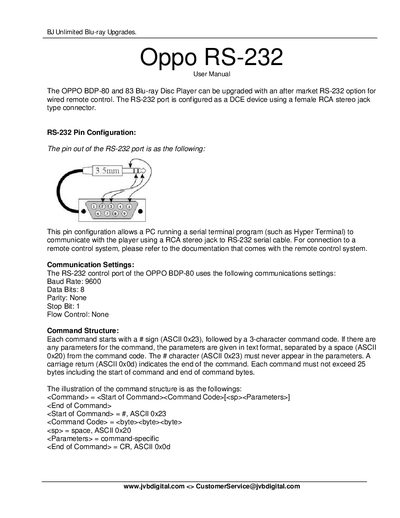
The RS‑232 option adds a DCE‑type serial port to OPPO BDP‑80 and BDP‑83 Blu‑ray Disc Players, using a female RCA stereo jack connector. The manual describes the pin configuration, communication parameters, and how to connect a PC or remote‑control system.
Commands are sent as ASCII strings beginning with a ‘#’ character and terminated with a carriage return. Responses start with ‘@’. The document lists remote‑control button mappings, query commands, advanced commands, and provides an example command‑response sequence for typical operations such as power control, playback, and disc handling.
| Baud Rate | 9600 |
|---|---|
| Data Bits | 8 |
| Parity | None |
| Stop Bit | 1 |
| Flow Control | None |
Send the command "#PON" and the player will respond with "@OK ON" indicating power is on.
Send the command "#QVR" and the player will reply with the firmware version, e.g., "@OK BDP83-14-0306".
Use the "SHD" command followed by the desired resolution code, such as "SHD SDI" for setting HDMI output resolution.
The port uses 9600 baud, 8 data bits, no parity, 1 stop bit, and no flow control.