
This is a repair manual for the 3000 Series T32XW Indicators, which introduces the hardware setup, operation and troubleshooting methods of the indicator.
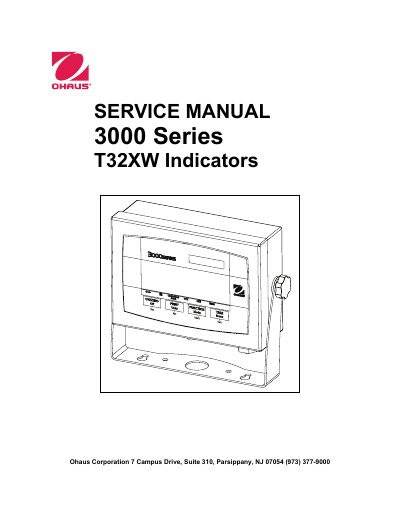
This service manual provides detailed instructions for servicing Ohaus T32XW indicators, including troubleshooting, repair procedures, testing methods, and parts lists. It covers hardware setup, component replacement, calibration, and performance testing. The manual includes specifications, error codes, and diagrams for maintenance and repair. It is intended for technicians familiar with electronic equipment and weighing systems.
| Capacity Range | 5 to 20,000 kg or lb |
|---|---|
| Maximum Displayed Resolution | 1:20,000 |
| Approved Resolution | 1:6,000 |
| Display | 1 in/2.5 cm digit height, 6-digit, 7-segment 1.5 in./3.8 cm high x 4.9 in./12.5 cm wide backlit LCD |
| Keypad | 4-button membrane switches |
| Load Cell Excitation Voltage | 5V DC |
| Operating Temp. Range | -10°C to 40°C / 14°F to 104°F |
| Power - Battery | Internal rechargeable, Sealed Lead-Acid Battery (58-hour typical life) |
Special tools include Ohaus Scale Base, Load Cell Simulator (optional), computer with RS232 interface, RS232 cable, data printer, and ESD workstation. Standard tools include electronics tool kit, digital voltmeter, and soldering iron.
Check the power cord for damage, connect to power, press ON/ZERO Off button, and observe if the display shows software revision and enters weighing mode. If the display is erratic, the PCB is defective.
The maximum displayed resolution is 1:20,000, and the approved resolution is 1:6,000.