
Key facts
- Brand
- Nokia
- Model
- HS-36W
- Industry
- Electronics
- Documents
- 2
- Languages
- EN
- Last added
- 2012-05-09
Start here
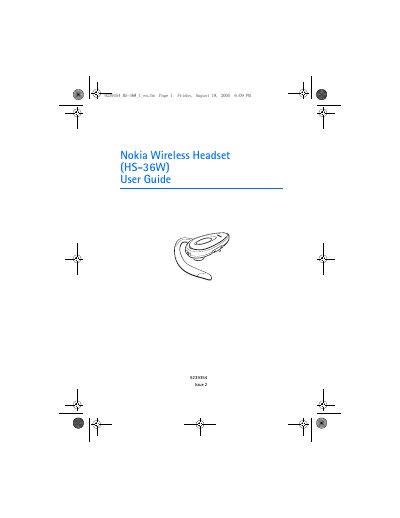
Nokia HS-36W Wireless Headset User Guide
This guide introduces the Nokia HS-36W wireless headset, its Bluetooth 1.2 compliance, and the supported Headset Profile 1.1 and Hands‑free Profile 1.0. It details the headset’s parts, charging procedure with the ACP‑12 or LCH‑12 chargers, and how to switch the device on and off.
The manual also covers pairing the headset with a compatible phone, basic call handling, battery performance (4‑8 h talk time, 90‑130 h standby), troubleshooting tips, and proper storage and maintenance to ensure long‑term reliability.
Nokia HS-36W specifications
| Bluetooth version | Specification 1.2 |
|---|---|
| Supported profiles | Headset profile 1.1, Hands‑free Profile 1.0 |
| Talk‑time | up to 6 hours |
| Standby time | up to 110 hours |
| Charging indicator | Blue light on while charging, off when full |
All Nokia HS-36W documents by type
Day-to-day operation, settings and troubleshooting. Start here if the product is already set up.
Questions answered in these manuals
How do I charge the Nokia HS‑36W headset?
Connect the Nokia Charger Adapter cable (CA‑71) to the headset and to an ACP‑12 or LCH‑12 charger; the blue indicator light stays on while charging and turns off when the battery is fully charged.
What talk‑time and standby time does the battery provide?
A fully charged battery gives up to 6 hours of talk‑time and up to 110 hours of standby time.
What is the talk‑time of the headset’s battery?
A fully charged battery provides up to 4 hours to 8 hours of talk time.