
Key facts
- Brand
- Nokia
- Model
- AD-42W
- Industry
- Electronics
- Documents
- 2
- Languages
- PL · EN
- Last added
- 2012-02-12
Start here
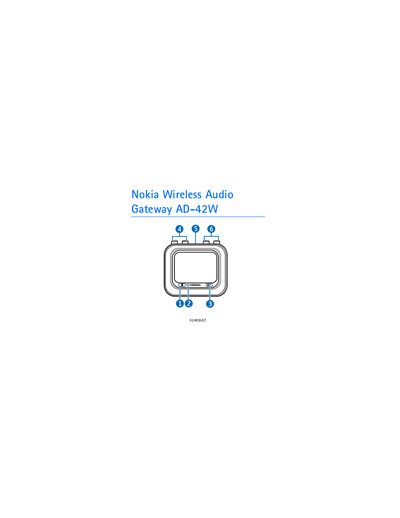
Nokia AD-42W Wireless Audio Gateway User Manual
The AD-42W gateway lets you connect a standard home stereo system to a Bluetooth‑enabled music player or headset. The manual explains safety precautions, Bluetooth technology basics, and the device’s parts and power requirements.
Detailed steps cover pairing the gateway with music players or headsets, connecting RCA cables to a stereo, switching the unit on and off, and maintaining the device for reliable operation.
Nokia AD-42W specifications
| Bluetooth class | Class 1 |
|---|---|
| Bluetooth specification | 2.0 |
| Supported profile | Advanced Audio Distribution Profile (A2DP) 1.0 |
| Supported profile | Generic Audio/Video Distribution Profile (GAVDP) 1.0 |
| Maximum paired devices | 8 |
| Power connector types | AC-3, AC-4, DC-4 chargers |
All Nokia AD-42W documents by type
Day-to-day operation, settings and troubleshooting. Start here if the product is already set up.
Questions answered in these manuals
How do I pair the gateway with a music player?
Press and hold the pairing key until the indicator light is continuously shown, then select the gateway on the music player and enter the Bluetooth passcode 0000.
How many Bluetooth devices can be paired with the gateway?
The gateway can be paired with up to eight Bluetooth devices, though only one device can be active at a time.