
This document is a user guide for the Nokia Wireless Headset (HS-36W), providing information about the features and characteristics of the product.
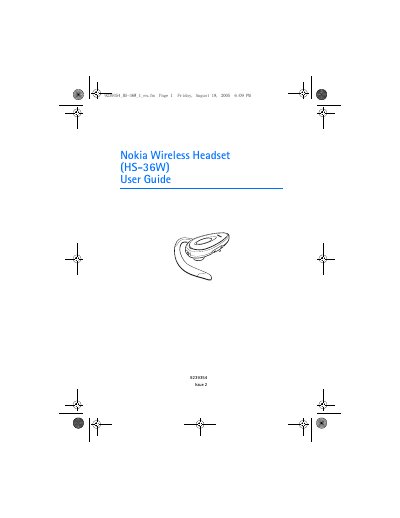
This user guide covers the Nokia Wireless Headset HS-36W, a Bluetooth headset for compatible phones. It describes the headset parts, including the indicator light, volume keys, charging socket, answer/end key, earhook, and Nokia Charger Adapter cable CA-71.
The guide provides instructions for charging the battery, switching the headset on or off, pairing with a phone, handling calls, storing the headset, troubleshooting, and battery care.
| Bluetooth specification | 1.2 |
|---|---|
| Bluetooth profiles | Headset Profile 1.1 and Hands-free Profile 1.0 |
| Operating range | 10 meters (30 feet) |
| Talk time | up to 4h to 8h |
| Standby time | up to 90h to 130h |
| Approved chargers | ACP-12 and LCH-12 |
| Bluetooth passcode | 0000 |
| Battery temperature range | 15°C to 25°C (59°F to 77°F) |
Enter passcode 0000 when prompted by the phone.
Press the answer/end key for about 1 second to switch on, or press and hold it for about 5 seconds to switch off.
It provides up to 4h to 8h of talk-time or up to 90h to 130h of standby time.
Press the answer/end key and volume up (+) key together for over 5 seconds until the blue indicator light lights up.