
Key facts
- Brand
- Nokia
- Model
- E51
- Category
- Smartphones
- Industry
- Electronics
- Documents
- 2
- Languages
- EN
- Last added
- 2012-05-02
Start here
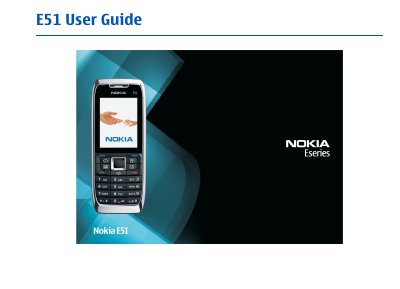
Nokia E51 User Guide
This guide covers safety information, basic device handling, and the initial setup of the Nokia E51, including inserting the SIM card and battery, charging, and first‑time start‑up. It also explains the keys, display indicators, and available accessories such as headsets and wrist straps.
The manual details the phone’s software features, including calls, messaging, email, web browsing, multimedia, GPS, Bluetooth, WLAN, and personalization options. It provides guidance on managing contacts, calendar, media, applications, and security settings, as well as troubleshooting and warranty information.
All Nokia E51 documents by type
Day-to-day operation, settings and troubleshooting. Start here if the product is already set up.
- Nokia E51 User Guide 141 p
- Nokia E51 User Guide 152 p
Questions answered in these manuals
How do I insert the SIM card?
Insert the SIM card as shown in the "Insert the SIM card and battery" section of the guide.
From: Nokia E51 User Guide
How can I set up a WLAN connection?
Use the WLAN wizard to configure an internet access point and adjust WLAN security settings.
From: Nokia E51 User Guide
How do I insert the SIM card and battery?
Insert the SIM card and battery as described in the "Get started" section of the guide.
From: Nokia E51 User Guide
How can I connect the phone to a Bluetooth device?
Use the Bluetooth settings under the Connectivity chapter to pair and manage Bluetooth devices.
From: Nokia E51 User Guide