
This document is a user guide for the Nokia Wireless Headset (HS-36W). It describes the features and characteristics of the headset.
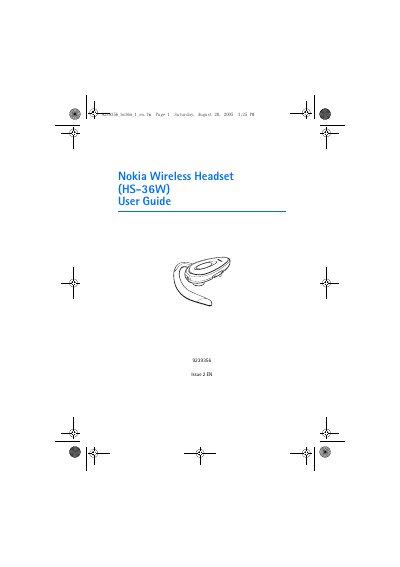
This user guide provides step‑by‑step instructions for getting started with the Nokia HS‑36W wireless headset, including charging the internal battery, pairing with a Bluetooth‑enabled phone, and using the headset for calls. Safety warnings and handling instructions are included to protect the device and maintain warranty coverage.
The guide also details battery performance, recommended operating temperatures, and maintenance tips, as well as troubleshooting common issues such as pairing problems or poor audio quality.
| Bluetooth version | Specification 1.2 |
|---|---|
| Supported profiles | Headset profile 1.1, Hands‑free Profile 1.0 |
| Talk‑time | up to 6 hours |
| Standby time | up to 110 hours |
| Charging indicator | Blue light on while charging, off when full |
Connect the Nokia Charger Adapter cable (CA‑71) to the headset and to an ACP‑12 or LCH‑12 charger; the blue indicator light stays on while charging and turns off when the battery is fully charged.
A fully charged battery gives up to 6 hours of talk‑time and up to 110 hours of standby time.
Keep the battery between 15 °C and 25 °C; extreme heat or cold can reduce capacity and shorten battery life.