
Key facts
Start here
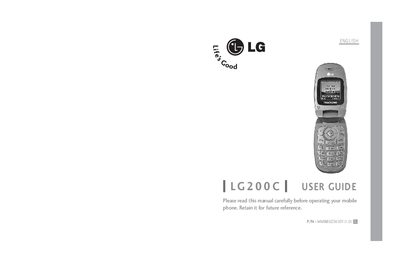
LG200C Mobile Phone User Guide
This guide covers important safety precautions for the LG200C, including battery handling, temperature limits, and proper use of accessories. It also explains FCC RF exposure requirements and how to avoid hazards while operating the phone.
The manual walks you through getting started with the device: installing and removing the battery, charging, powering on/off, making and receiving calls, and using features such as Manner Mode. Warranty terms and service contact information are provided at the end of the document.
LG LG20 specifications
| Screen Size | 19.5 inches |
|---|---|
| Panel Type | LED LCD |
| Response Time | 5ms GTG |
| Power Consumption (On) | 13 W |
| Power Consumption (Standby) | ≤ 0,3 W |
| Max Resolution (D-SUB) | 1600 x 900 @ 60 Hz |
| Input Connectors | D-SUB, HDMI |
All LG LG20 documents by type
Day-to-day operation, settings and troubleshooting. Start here if the product is already set up.
Questions answered in these manuals
What is the maximum height adjustment of the stand?
The stand height can be adjusted to a maximum of 110 mm.
How long does the monitor stay on before entering standby?
The monitor is set to turn off automatically 4 hours after being turned on if no adjustment is made.
How do I access the settings menu?
Press the gear icon in the upper right corner on the main screen and enter pincode 2648.
What is the difference between simple and advanced mode?
Simple mode uses one rejection threshold for all cables and limits measurements to the 100 OTS value; advanced mode uses separate rejection levels for thin (3.5 mm) and thick (4.8 mm or more) cables and shows relative percentages.
How do I install the battery in the LG200C?
Insert the battery into the opening on the back of the phone, place the battery cover on the battery, and push it slightly upwards.