
Key facts
- Brand
- LG
- Model
- KE998
- Category
- Mobilephone Accessories
- Industry
- Electronics
- Documents
- 2
- Languages
- ZH
- Last added
- 2026-10-13
Start here
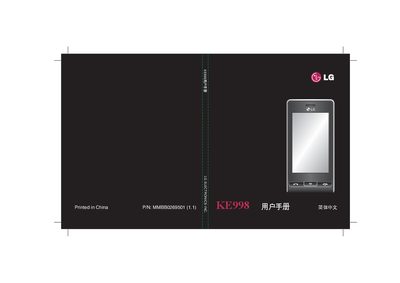
LG KE998 Mobile Phone User Manual
This user manual covers the setup, basic functions, advanced features, management tools, and network services for the LG KE998 mobile phone. It guides users through installing the SIM card and battery, navigating the menu, and using the touchscreen and shortcuts. The document also details how to make calls, manage contacts, send messages, and configure email settings. This manual is written in Chinese.
Read onlineLG KE998 specifications
| Supported network bands | GSM 900 / DCS 1800 / PCS 1900 |
|---|---|
| Maximum operating temperature | +55°C (discharge), +45°C (charging) |
| Minimum operating temperature | -10°C |
Source: LG KE998 Phone User Manual
All LG KE998 documents by type
Day-to-day operation, settings and troubleshooting. Start here if the product is already set up.
Questions answered in these manuals
What is the product name and model of this phone?
The product is named KE998.
Which mobile networks does this phone support?
It supports GSM 900, DCS 1800, and PCS1900 networks.
How do I install the SIM card and battery?
Refer to the "安装 SIM 卡和电池" section for step‑by‑step instructions.
How can I connect a USB data cable to the phone?
Connect the USB cable after the phone is powered on and has registered on the network.