
Lexmark E450dn User Manual

This is a user manual for Lexmark E450dn printer's functions and messages
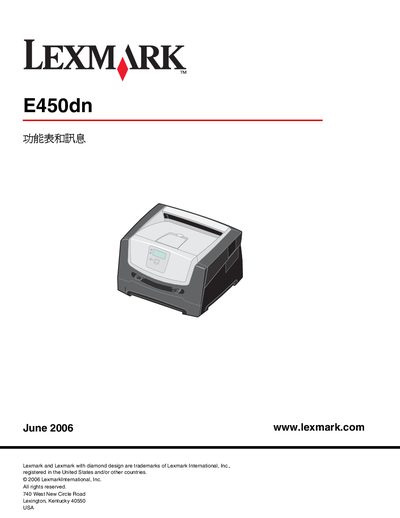

Lexmark E450dn User Manual - cover page
Brand
Lexmark
Category
Printer
Document type
User Manual
Language
Chinese
Pages
36
File format
PDF
File size
593 KB
Published
29 December, 2011
Updated
30 September, 2023
Model
E450DN
MD5 checksum
8ADEBF59C073FC1667BA80B84FFCEC95

About this manual

This manual provides step‑by‑step instructions for operating the Lexmark E450dn laser printer. It covers the control‑panel layout, menu navigation, paper handling, printing options, and safety information.

Additional sections describe network and connectivity configuration, consumable management, and error recovery procedures, helping users maintain reliable printing performance. This manual is written in Chinese.

What's inside

  • Control Panel Overview
  • Using Printer Menus
  • Paper Settings
  • Printing Options
  • Network and Connectivity
  • Safety Information
  • Error Messages and Recovery
  • Consumables and Maintenance

Frequently asked questions

How do I open the printer menu?

Press the Menu button (⑳) on the control panel to open the menu index.

Download PDF (593 KB)

More Lexmark Manuals


View all Lexmark manuals →