
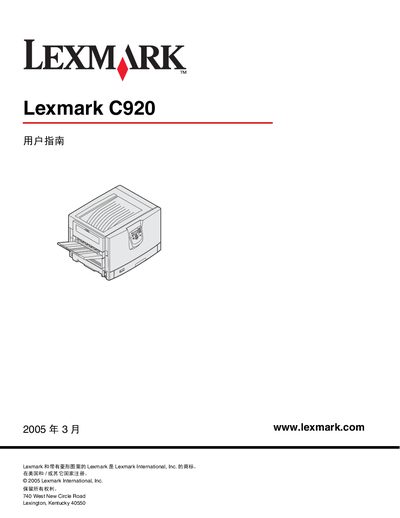
This manual covers everything you need to know about the Lexmark C920 printer, from understanding the hardware and installing drivers to configuring network printing and using optional accessories. It also includes safety information, media guidelines, and detailed maintenance procedures.
The document is organized into chapters such as Understanding the Printer, Installing Drivers, Network Printing Setup, Media Specifications, Maintenance, Paper Jam Clearing, Management & Support, and Troubleshooting, providing clear step‑by‑step guidance for users and service technicians. This manual is written in Chinese.
| Weight | 77–107 kg (170–235 lb) |
|---|---|
| High‑capacity paper tray capacity | 3,000 sheets |
It weighs between 77 and 107 kg (170–235 lb).
The high‑capacity tray can hold up to 3,000 sheets.
Four people are required to safely lift the printer.