
Lexmark 1400 Series Quick Start Guide, introduces product safety information, operating system notification, table of contents, install printer, understand printer, use printer software, maintain printer, order supplies, troubleshooting, etc.
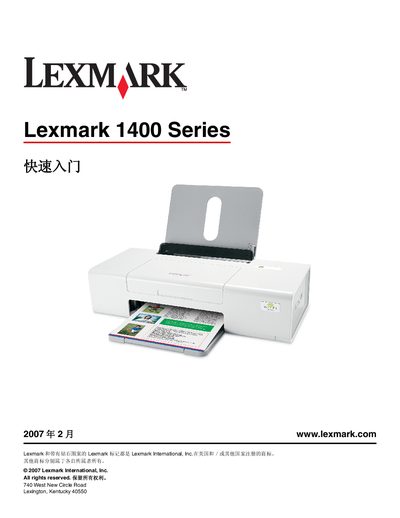
This Quick Start Guide walks you through the essential steps to get your Lexmark 1400 Series printer up and running. It covers safety precautions, driver installation on Windows and Macintosh, and how to configure both USB and wireless connections.
The document also includes a network terminology glossary, troubleshooting tips, warranty details, and contact information for technical support, helping users resolve common issues and access additional resources. This manual is written in Chinese.
Insert the Windows driver CD, power on the computer, and follow the on‑screen installation prompts.
You need the network name (SSID) and the security key (WEP/WPA password).