
Key facts
Start here
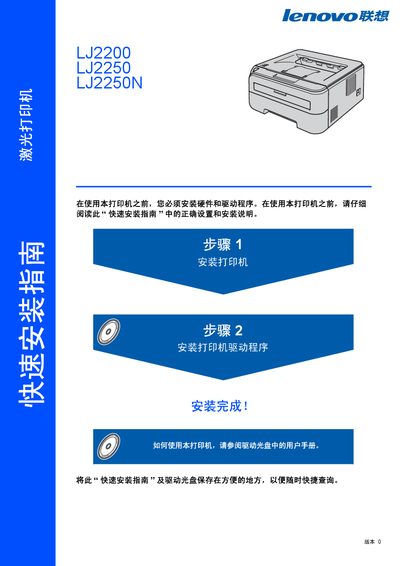
Lenovo LJ2200/LJ2250/LJ2250N Printer Quick Start Guide
The guide walks users through unpacking, hardware installation, and driver setup for the LJ2200 series laser printers. It includes detailed safety warnings, instructions for connecting USB or network cables, and steps to configure IP settings with the BRAdmin Light utility.\n\nAdditional sections cover control‑panel indicator meanings, troubleshooting tips, and technical specifications such as laser class, radiation output, and supported interfaces. The document is intended for professional environments and emphasizes proper grounding and safe handling of high‑voltage components. This manual is written in Chinese.
Read onlineLenovo LJ2200 specifications
| Laser class | Class 1 |
|---|---|
| Maximum radiation | 10 mW |
| Wavelength | 780‑800 nm |
| Laser diode class | 3B |
| Network cable requirement | Straight‑through Cat‑5 (or higher) twisted‑pair for 10BASE‑T/100BASE‑TX |
Source: Lenovo LJ2200/LJ2250/LJ2250N Printer Quick Start Guide
All Lenovo LJ2200 documents by type
Day-to-day operation, settings and troubleshooting. Start here if the product is already set up.
The shortest path to a working setup, usually only a few pages.
Questions answered in these manuals
How do I install the printer?
First install the printer hardware (step 1), then install the printer driver software (step 2).
From: Lenovo LJ2200/LJ2250/LJ2250N Printer Quick Start Guide
How should I clean the printer safely?
Use a dry, lint‑free cloth for the exterior, avoid vacuum cleaners inside the printer, and do not use solvents or alcohol‑based cleaners.
What safety warnings are given for the printer?
The printer contains high‑voltage components; always power off and unplug before cleaning, never touch hot parts, and avoid using a vacuum inside the unit.