
This document is a quick installation guide for the LJ2200 LJ2250 LJ2250N laser printer. The document provides detailed instructions on the installation steps, hardware and driver installation, and usage precautions for the printer.
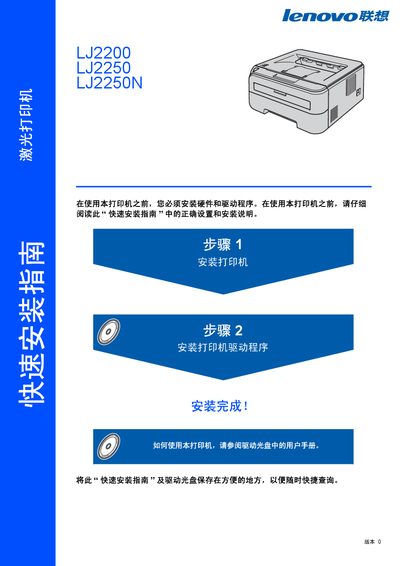
The guide walks users through unpacking, hardware installation, and driver setup for the LJ2200 series laser printers. It includes detailed safety warnings, instructions for connecting USB or network cables, and steps to configure IP settings with the BRAdmin Light utility.\n\nAdditional sections cover control‑panel indicator meanings, troubleshooting tips, and technical specifications such as laser class, radiation output, and supported interfaces. The document is intended for professional environments and emphasizes proper grounding and safe handling of high‑voltage components. This manual is written in Chinese.
| Laser class | Class 1 |
|---|---|
| Maximum radiation | 10 mW |
| Wavelength | 780‑800 nm |
| Laser diode class | 3B |
| Network cable requirement | Straight‑through Cat‑5 (or higher) twisted‑pair for 10BASE‑T/100BASE‑TX |
First install the printer hardware (step 1), then install the printer driver software (step 2).