
Key facts
- Brand
- ICOM
- Model
- IC-2730A
- Category
- Communications equipment
- Documents
- 2
- Languages
- ZH · EN
- Last added
- 2023-10-31
Start here
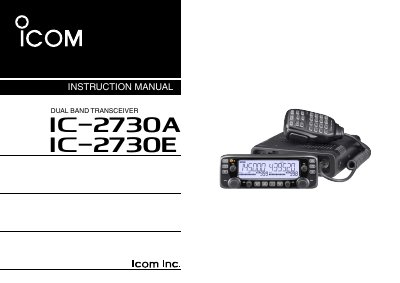
Icom IC-2730A/IC-2730E Dual Band Transceiver Instruction Manual
This document serves as the official instruction manual for the Icom IC-2730A and IC-2730E Dual Band Transceivers. It provides comprehensive guidance on setting up the device, including connecting to DC power supplies and installing antennas or controllers in vehicles. The guide details safety precautions regarding RF exposure and high voltage, as well as proper operating procedures.
Read onlineAll Icom IC-2730A documents by type
Day-to-day operation, settings and troubleshooting. Start here if the product is already set up.
Questions answered in these manuals
How do I turn the radio on or off?
Press and hold the power key for 1 second.
From: Icom IC-2730A VHF/UHF Dual-Band Mobile Radio User Manual
How do I select VFO mode?
Press the V/MHz SCAN key briefly.
From: Icom IC-2730A VHF/UHF Dual-Band Mobile Radio User Manual
Can I use microphones from other manufacturers?
No, you should only use Icom microphones (supplied or optional) because others have different pin assignments.
From: Icom IC-2730A/IC-2730E Dual Band Transceiver Instruction Manual
What happens if the transceiver emits an abnormal odor?
You must immediately turn OFF the power and remove the cable, then contact your dealer.
From: Icom IC-2730A/IC-2730E Dual Band Transceiver Instruction Manual