
Key facts
- Brand
- ICOM
- Model
- IC-M304
- Industry
- Electronics
- Documents
- 2
- Languages
- ZH · EN
- Last added
- 2012-03-26
Start here
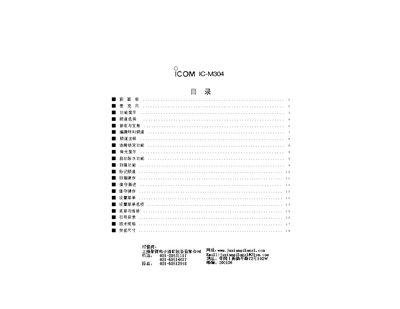
ICOM IC-M304 User Manual
This manual explains the functions of the front panel of the ICOM IC-M304, including volume control, static suppression, channel selection, and call channel operation. It also describes how to switch between normal and weather channels, use the scanning and dual‑mode features, and operate the PTT and GPS functions.
Additional sections cover power settings, low‑power and high‑power transmission modes, and troubleshooting tips such as resetting channels and adjusting the display brightness. The document includes diagrams of the panel layout and step‑by‑step procedures for common tasks. This manual is written in Chinese.
All ICOM IC-M304 documents by type
Day-to-day operation, settings and troubleshooting. Start here if the product is already set up.
Questions answered in these manuals
How do I set the call channel on the IC-M304?
Press the CALL key and hold it for about 3 seconds; the call channel number will be displayed and stored.
From: ICOM IC-M304 User Manual
How can I switch between normal and weather channels?
Press the CH/WXDUAL button to toggle between the normal working channel and the weather channel.
From: ICOM IC-M304 User Manual
How do I change the channel on the IC-M304?
Press the CHANNEL UP/DOWN KEYS marked [A] on the front panel.
From: ICOM IC-M304 VHF Marine Transceiver Instruction Manual
How do I connect an external speaker?
Connect the speaker leads to the blue (+) and gray (–) terminals labeled EXTERNAL SPEAKER LEAD.
From: ICOM IC-M304 VHF Marine Transceiver Instruction Manual