
Key facts
- Brand
- ICOM
- Model
- IC-41PRO
- Category
- Other Electronics
- Documents
- 2
- Languages
- EN
- Last added
- 2023-10-15
Start here
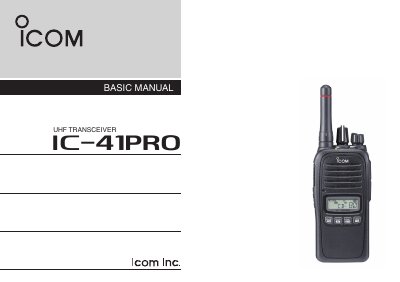
Icom IC-41PRO UHF Transceiver Basic Manual
This document serves as the Basic Manual for the Icom IC-41PRO UHF transceiver. It provides essential information for operating the device, including a description of the front panel controls and indicators, as well as instructions for turning the unit on and off, receiving, and transmitting. The manual also details the supplied accessories and basic battery charging procedures using the BC-213 charger.
Read onlineAll Icom IC-41PRO documents by type
Day-to-day operation, settings and troubleshooting. Start here if the product is already set up.
Questions answered in these manuals
What is the customary calling channel in Australia?
In Australia, channel 11 is the customary calling channel for establishing communication.
How do you turn the transceiver ON or OFF?
Rotate the [VOL] rotary selector to turn the transceiver ON or OFF.
How do I enter a power ON password?
Push the corresponding keys to enter your 4-digit code; note that each key represents two digits.
How do I lock the keys on the transceiver?
Hold down the [ROTARY SELECTOR] for 2 seconds to electronically lock all keys except PTT, Side 1, TOP, and B.